.png?width=200&height=59&name=Sherlok%20Logo%20-%20black%20writing%20%26%20Transparent%20(1).png)
1. Open an InstantAPPLY application.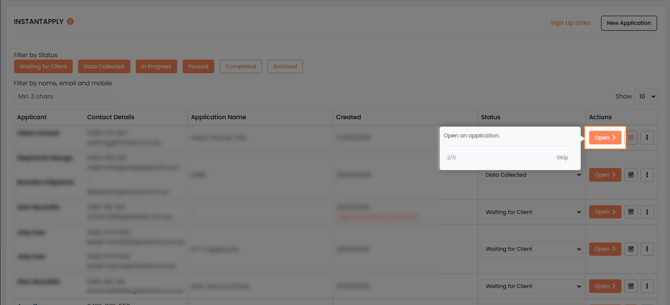
2. On the InstantAPPLY home page, Click on the InstantAPPLY Settings button in the top-right corner.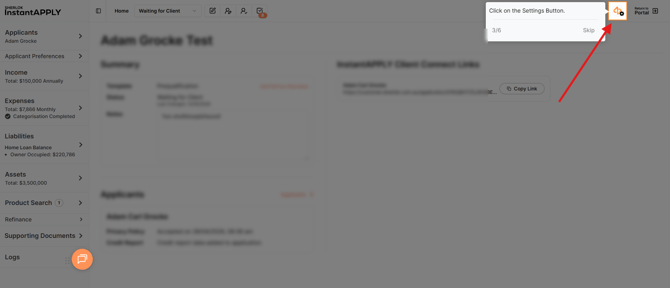
3. In the InstantAPPLY Settings window, Click Quickli Integration.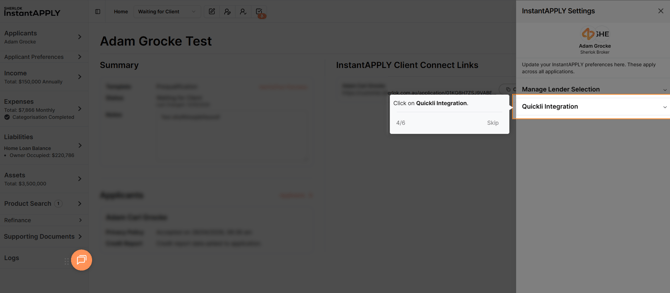
4. Enter your API Key in the API Key field.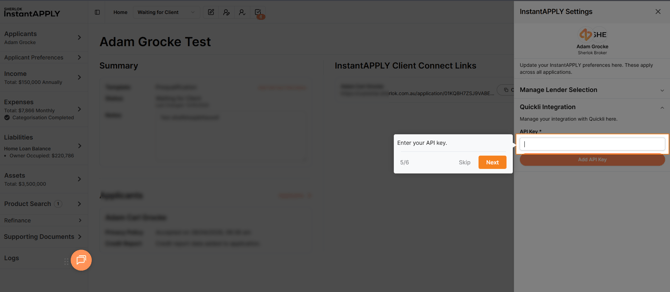
5. Click Add API Key.
🗒️ You can also select active lenders for InstantAPPLY here by clicking on Manage Lender Selection.